
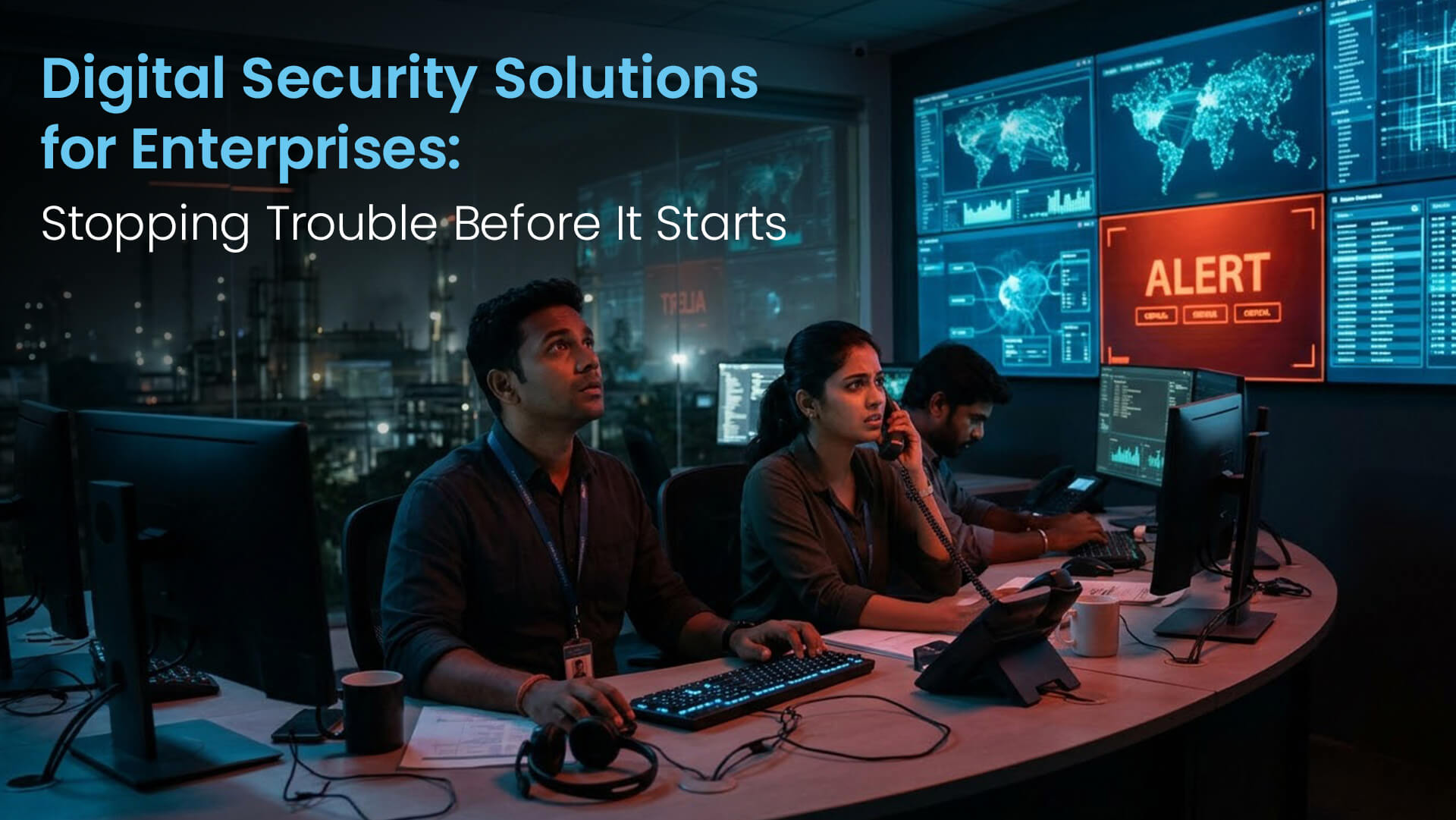
It's 3 am and a server at your Chennai plant has started encrypting files. By 6, dispatch has stopped, the ERP is down and every screen in the building shows a ransom note. Your security team is now racing two clocks at once: one to get the plant running again, the other to report the incident on time.
Here's what surprises a lot of people. Most attacks on big companies aren't clever at all. Somebody's password gets stolen, or a server nobody got round to patching gets found, or a vendor with sloppy controls leaves a door open. Good digital security solutions shut those doors before anyone tries the handle. In this guide I'll go through the risks you're up against right now, the layers of protection that actually earn their keep, a prevention plan you can follow, the mistakes I keep seeing, and the numbers that tell you whether you're any safer.
Ask five people what digital security solutions are and you'll get five answers. The way I see it, it's everything you use to keep the company's systems, its data and its people safe, whether that's a tool, a process or a service someone runs for you. That takes in identity, devices, networks, applications and the cloud, and, most of all, the humans using every bit of it.
You won't find one product that does all of that, whatever the sales deck says. What actually works is stacking a few defences on top of each other, so when one of them fails (and one will) there's another sitting behind it. My usual comparison is the bank branch round the corner. Lock on the door, a guard who's half asleep by 4 pm, a couple of cameras, an alarm, and the vault at the back. The guard is just one piece of it and everybody knows that.
Here's the part vendors don't love hearing. The software is maybe half the story. The other half is the boring stuff on paper: an incident plan someone actually wrote down, staff who'd notice when something's off, and tests that run on a calendar instead of “when we get time”. One senior person (a CISO, usually) should own the whole thing and answer to the board. Each business head, meanwhile, is on the hook for the risks in their own corner.
You'd think we'd be past phishing by now. We're not. A fake invoice or a well-made email is still the most common way in, and one is all it takes before someone types their password into the wrong page or sends money to a fraudster's account.
Of everything on this list, ransomware does the worst damage. They lock up your systems and data and want money to unlock them, and these days they often copy your files out quietly first, just to turn the screws a bit harder.
Then there's the risk that walks in through your partners, and it's getting bigger. Every vendor, software supplier and cloud provider you use is a possible way into your network. The nastiest version of this is the supply chain attack. Crooks get inside one software company that loads of businesses rely on, slip something into its next update, and every customer who clicks “install” lets them in.
Then the insider problem, which nobody likes to think about. Sometimes it's someone with a grudge, more often it's just carelessness. Six people sharing one login. A junior who somehow has admin rights. That account belonging to the guy who left two years back and still works fine. None of it looks dramatic, which is exactly why it's dangerous. And now there's AI in the mix. Somebody pastes customer data into a free chatbot to save ten minutes, never thinking about where it ends up. On top of that, an AI system can be fooled by an instruction someone tucked inside a document or an email, which is a strange new kind of problem.
These days identity is the real perimeter, more than any firewall. In practice that means a second step at login (multi-factor authentication) for every account, no exceptions, not even the MD's. People should get the access their job needs and nothing extra, and it should vanish the same day they walk out. The jargon for this is zero trust. Simple idea, really: nobody and no device gets a free pass. Admin accounts are a different beast because they can do so much damage, so they get their own separate logins and their sessions get recorded.
Laptops, phones, servers, the machines on the plant floor, all of them need protecting, patching and watching. Modern endpoint detection is quite clever here. If a laptop suddenly starts behaving strangely, say encrypting files at 3 am, the tool notices and can wall that device off from everything else within minutes.
The shop floor gets forgotten more than it should. A lot of older plant machines are still running software that's years out of date, so I'd put them in their own network zones and watch them closely.
Split your network into sections, so a problem in one corner can't run through the whole company. On the cloud side, keep checking the settings, because one storage bucket set up wrong is enough to expose millions of records. Once a quarter, go through your firewall rules and get rid of any that nobody can explain.
Encryption should cover data sitting on disks and data travelling between systems. Where someone only needs part of a record, mask the rest. With backups, keep a copy offline or cut off from the network, and please, please do a test restore every so often. You'd be amazed how many companies find out their backups don't work on the worst possible day. For the really sensitive stuff, I'd keep it in India and on your own servers. Compliance gets a lot simpler that way, and so do the conversations with auditors.
Get someone to try breaking into your websites, portals and apps every so often, which is all penetration testing really is. Your developers should be running security checks as part of their normal work as well, or you'll find this year's release has quietly brought back last year's bug. Keep a running list of every app and portal facing the public as well. Old test sites and forgotten microsites are some of the easiest targets out there.
Pull in logs from all your systems and have someone watching them day and night. Under India's DPDP Rules you'll need to keep the relevant logs for at least a year. Then comes the fiddly bit, tuning your alerts. If the system cries wolf hundreds of times a day, analysts stop looking, and sooner or later the real wolf walks straight through. Get it right and you catch things early, which turns a potential disaster into a bad afternoon rather than a front-page story.
Phishing emails, fake invoices, a call from someone claiming to be from the bank. I want every single employee, from the MD to the newest intern, to get a bad feeling about these. A trick that works well is sending out a pretend phishing mail every few months to see who clicks, and then having a quick word with them, kindly, the way you'd tell someone their shoelace is untied. Whether your staff end up as the weak link or your early warning system mostly comes down to this. And make owning up easy. The person who clicked a dodgy link should feel fine telling you within minutes, rather than hoping nobody notices.
Start by writing down every outside company that can get at your systems or data, then mark which ones would hurt most if they were breached. Then get security written into each contract. One clause I always want in there: if they're breached, you hear about it within hours. Weeks later is no good to anyone. And look properly at your critical vendors at least once a year.
I put this table together as a rough map. Read across each row and you'll see a layer, what you'd put in place for it, and the risk it's there to stop.
| Layer | Solution | Risk it prevents |
|---|---|---|
| Identity | Multi-factor authentication, least-privilege access | Stolen passwords, insider misuse |
| Endpoints | Detection and response tools, regular patching | Malware, ransomware spread |
| Network and cloud | Segmentation, configuration reviews | Lateral movement, cloud data exposure |
| Data | Encryption, masking, isolated backups | Data theft, ransomware losses |
| Applications | Penetration testing, secure development | Website and portal breaches |
| Monitoring | 24x7 log monitoring, 1-year log retention | Late detection, missed reporting deadlines |
| People | Awareness training, phishing simulations | Phishing, fake invoice fraud |
Go in order of risk. For most enterprises the quickest wins come from identity controls, patching and backups, so I'd do those first before getting excited about fancier tools.
Sooner or later something gets through, even with good defences. So decide now, while it's calm, who does what on that day. Someone leads. Someone else gets their hands dirty with the technical side. A third person handles customers, and somebody has to deal with the authorities. Put actual people's names against each of those, because in a panic nobody remembers whose job it was.
Indian deadlines don't give you much room. For CERT-In, you've got 6 hours on a lot of incident types, and that clock already applies today. The DPDP Act adds more from 13 May 2027. Once that's live, a personal data breach means the affected people get told without you sitting on it, and the Data Protection Board needs your report inside 72 hours.
Twice a year, minimum, I'd do a full practice run. Make one of them a night-time drill, because nobody has ever been hacked at a convenient hour. Keep printed contact lists and offline copies of the plan as well. The day you need them is quite likely the day email and shared drives are down.
The big one is buying tools with no strategy behind them. I've lost count of the companies paying for overlapping products that nobody fully set up or is properly watching.
Not bothering about vendor security is a close second. Anyone who touches your data should be signed up to clear security terms and should tell you fast if they get breached.
Untested backups cause no end of grief. A lot of companies only discover in the middle of an attack that their backups were incomplete, infected, or so slow to restore they might as well not exist. Old accounts belonging to people who've left are another quiet risk, so link access removal straight to the HR exit process.
And last, treating compliance as if it were security. Passing an audit doesn't make you safe. Attackers definitely don't check your certificates before they try the door.
Two numbers matter more than most: how fast you spot a threat, and how fast you contain it. Both should keep coming down over time.
Then keep a close eye on the basics. What share of accounts have multi-factor authentication? How long do critical patches take to go in? Are the high-risk holes from the last test still sitting there? Check the phishing click rate before and after training too, since that tells you whether the training's doing anything. And count how many of your critical vendors have signed security terms and been reviewed in the past year.
All of this should go to leadership every month in plain language. In my experience a board that understands the numbers is far more willing to pay for the right fixes.
A bit about us. We're ISO certified, we're a NASSCOM member, and Swaran Soft has spent more than 25 years delivering enterprise systems out of offices in India, the UAE, Europe and the USA. On the security side, our Cybersecurity & Compliance team handles penetration testing and security assessments, plus compliance programmes covering DPDP, RBI, GDPR and ISO 27001.
We also try to design security into whatever we build. Our Private AI Lab setup keeps sensitive data inside India, and for one client we automated compliance reporting in line with RBI and DPDP rules, so the evidence is already there whenever auditors come asking. After 25+ years of building enterprise systems, the one thing we're sure of is that security has to work on a busy Monday morning, not just on audit day.
Digital security works best as layers that connect, not a shelf of separate products nobody joins up. My advice is boring but it works. Get identity, patching and tested backups sorted first, because that's where most attacks die. Once that's in place you can spend on network segmentation, encryption, app testing and 24x7 monitoring.
None of it stays done by itself. People need training again, vendors need checking again, and the response plan needs another rehearsal, especially with India's reporting deadlines being as tight as they are. Put a progress page in front of leadership every month. You'll never be fully finished with security, nobody is, but you can be a much less attractive target than the firm down the road.
Fancy someone else taking a look? We run a free 45-minute Security Assessment. Drop a line to info@swaransoft.com, or ring +91 9220-313-650 (India) | +971-50-9292-650 (UAE). You'll find more at www.swaransoft.com

AI Architect and Entrepreneur building India's Edge AI ecosystem. 25+ years in enterprise technology. Founder of Swaran Soft, Gignaati, and Copilots.in.